Four product tours. One job each.
Click through FloodCaliber™ on its real screens. Each tour follows one fictional loan, one sentence per screen.
- About two minutes each
- Nothing to fill in
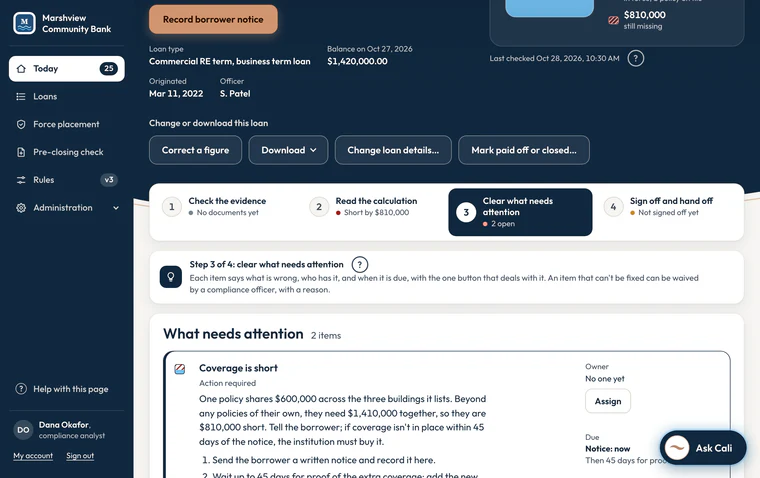
In short: Four short tours show FloodCaliber™ doing one job each: a coverage check, force placement, the portfolio map and the link to your loan system. Each takes about two minutes, on real product screens with fictional data.
Which job would you like to see?
-
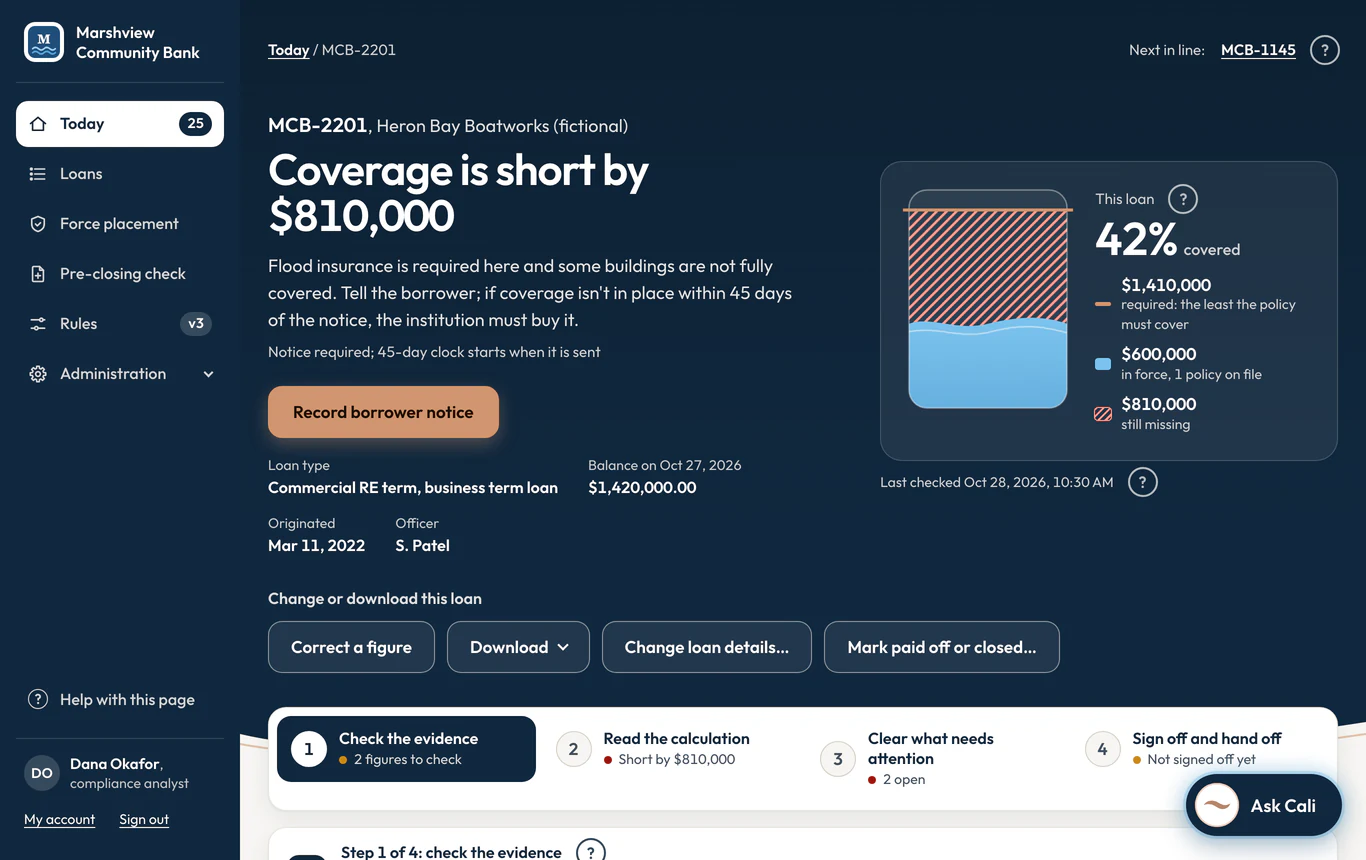
The coverage check
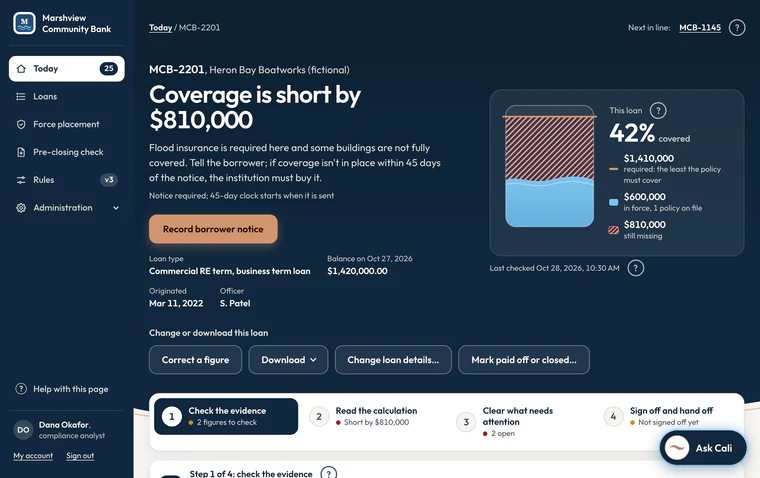
One commercial loan, from its declarations page to an explained finding. Three buildings, one blanket flood policy.
Start this tour: the coverage check -
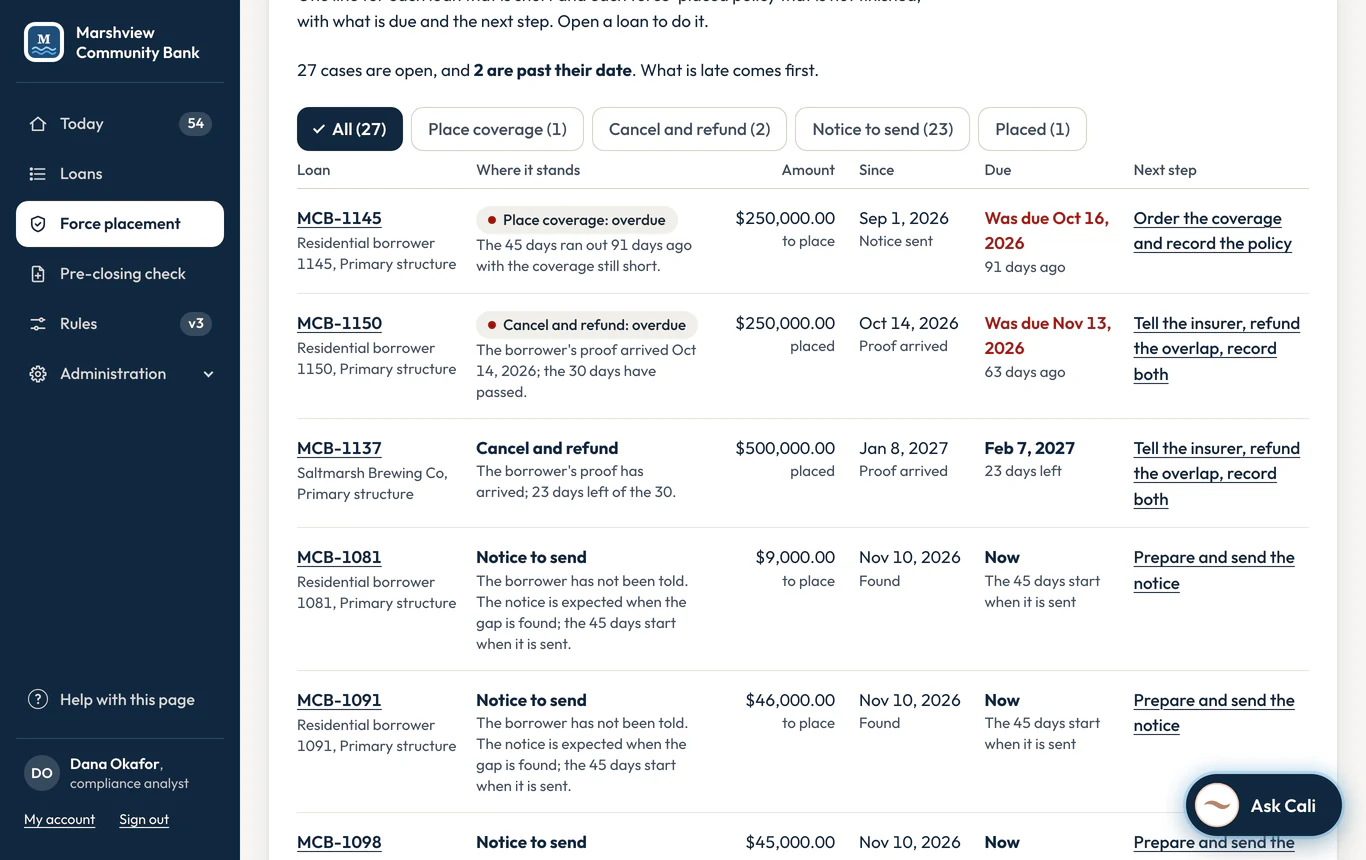
Force placement
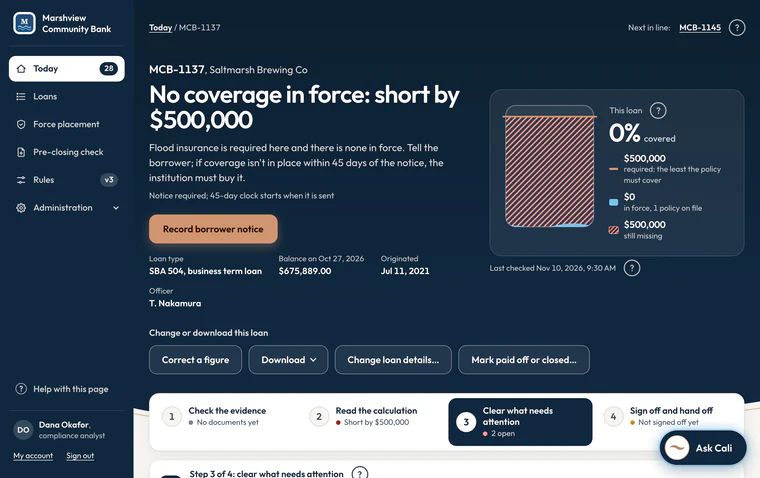
One lapsed flood policy: the notice after the lapse, the 45 days, the amount to place and the refund of the overlap.
Start this tour: force placement -
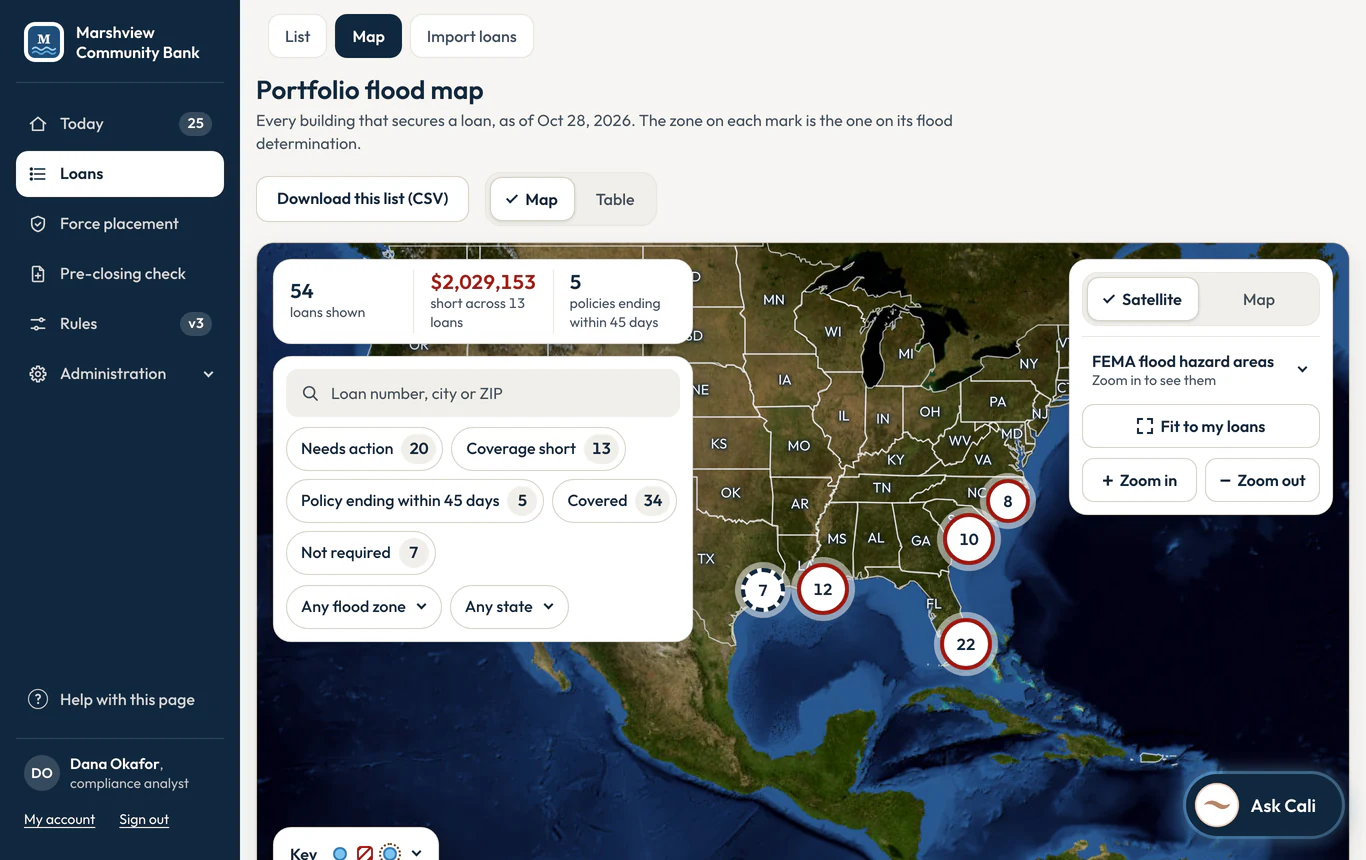
The portfolio map
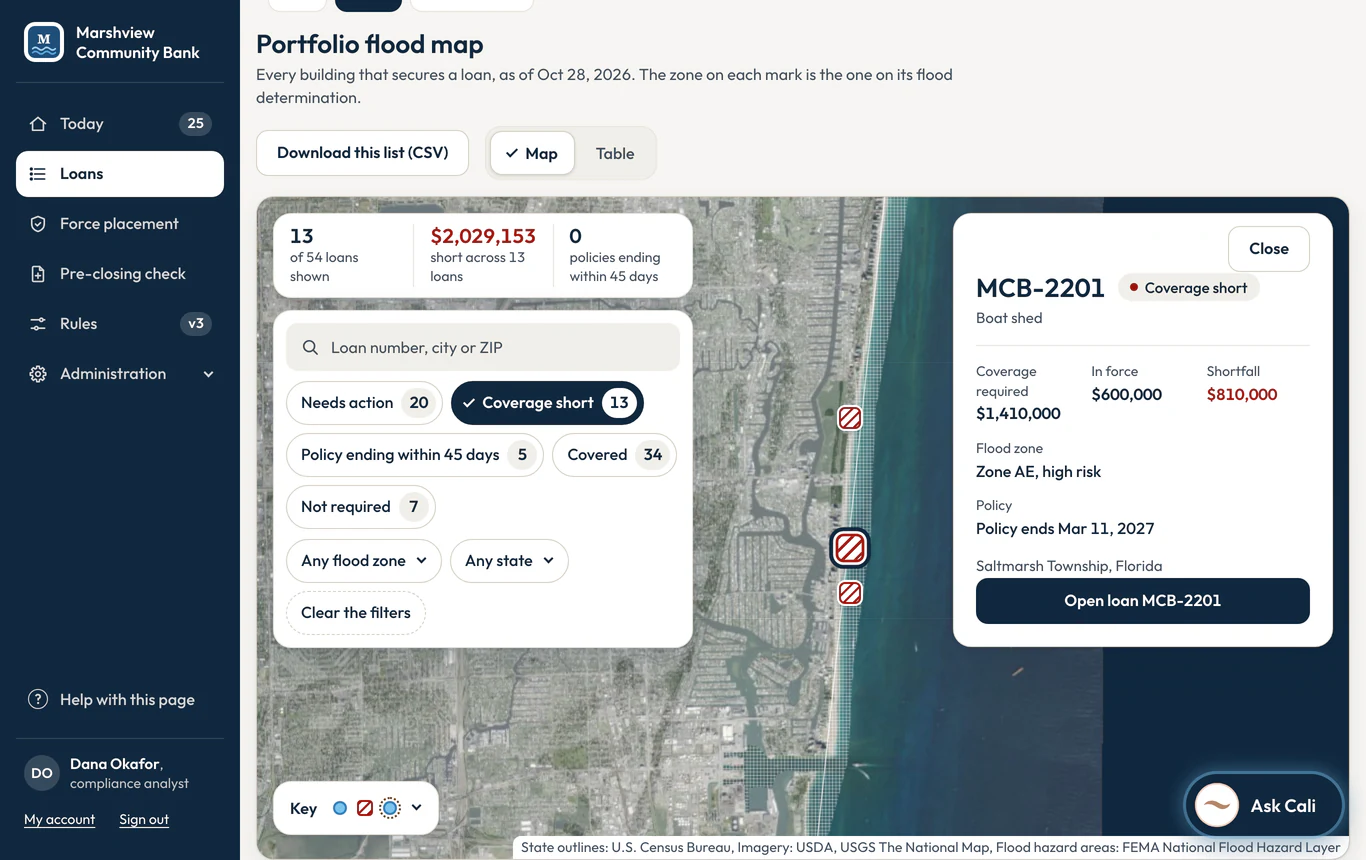
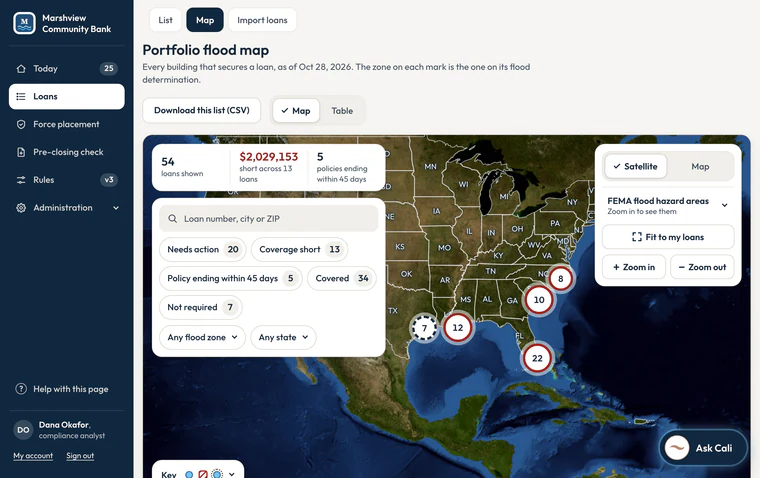
Every building that secures a loan, the loans short of coverage and the policies about to end, then another lender’s loans beside yours.
Start this tour: the portfolio map -
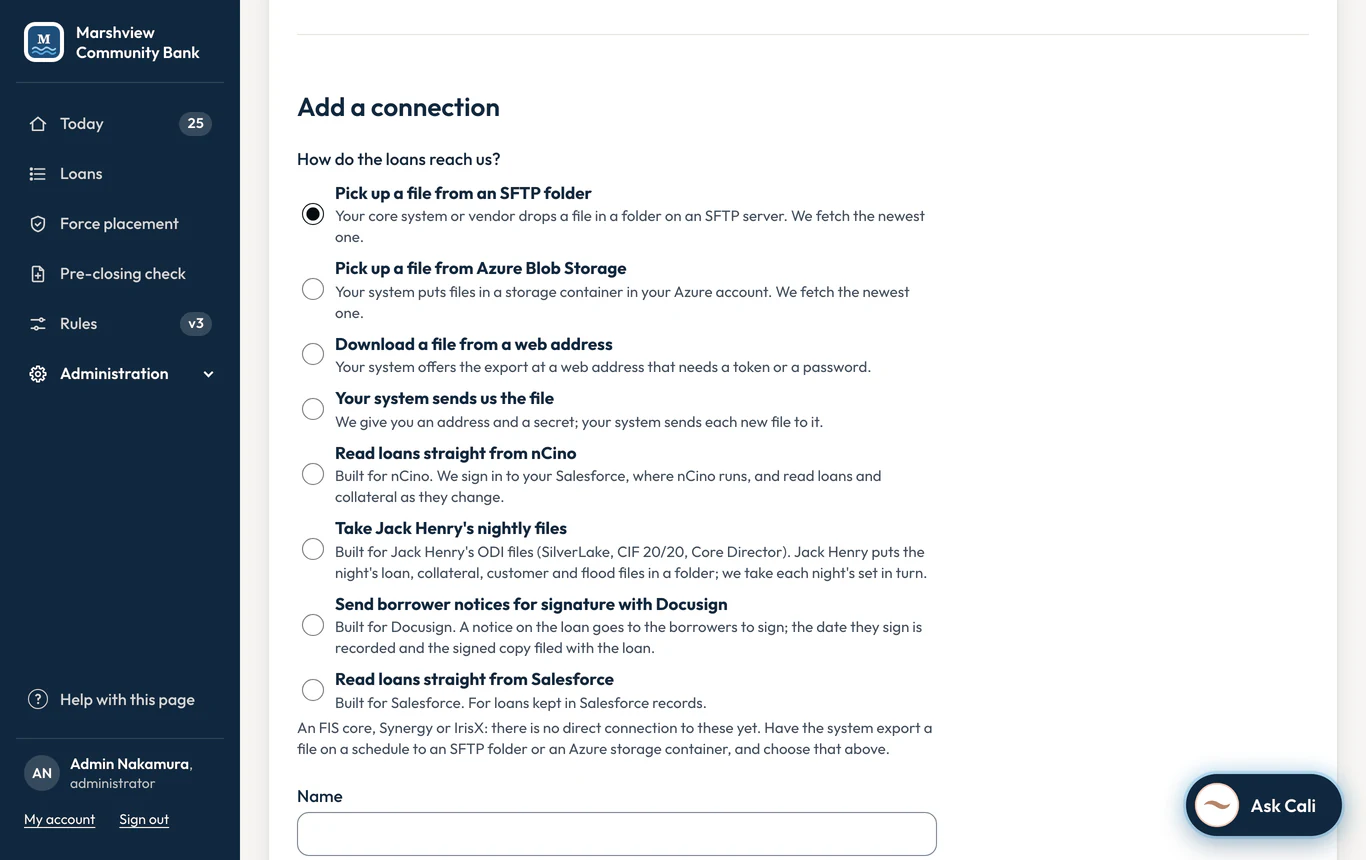
FloodCaliber™ with your loan system
How loans arrive without anyone retyping them, and how each result goes back onto the record your lenders already use.
Start this tour: FloodCaliber™ with your loan system
How does a tour work?
- One screen at a time, with one plain sentence about it.
- The part of the screen to look at is lit up, with a “Click here” tag.
- Click it to move on, as you would in FloodCaliber™. There is nothing to fill in.
- On a phone you see the Command Center’s own phone screens; on a laptop, its laptop screens.